

LIGHT PAINTING
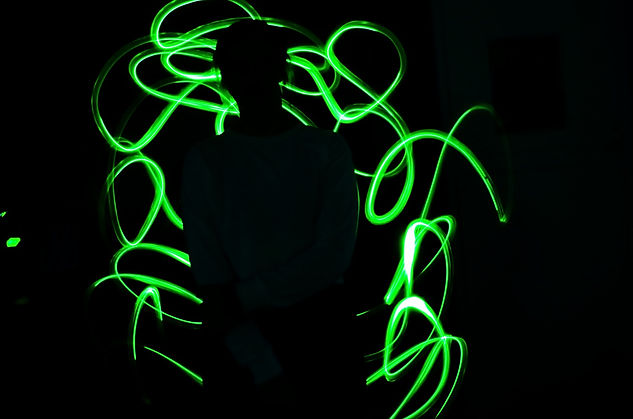
IN CLASS WORK
1. Watch the 3 videos
Answer:
What should your shutter speed be at?
What number should the ISO be?
What mode/ setting should you use?
2. Bring in a light source
-
Flashlights
-
Glow Sticks
-
Christmas lights
-
Etc...
-
(Don't forget the batteries)
3. Assignment
Take 3 interesting and planned light painting photos.
-You may need to work in groups of 2-3
-You must use a tripod.
EDITING
1. Upload your photo.
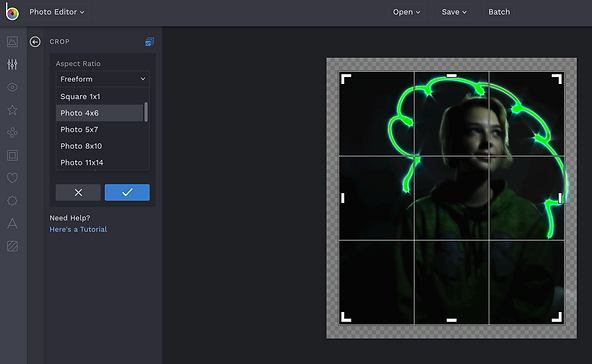
2. Click the crop tool.
3. Adjust the "Aspect Ratio", make it:
-
4x6
-
5 x 6
-
or 8 x 10
-
NOT freeform
4. Click the button "Lock Aspect Ratio"
-
It must show a check mark
5. Change the orientation to "Portrait" or "Landscape"
-
Choose the best one for your photo.
6. Save the photo to your Google Drive then upload it to your folder.
-You can also change filters and be creative with the tools.


STUDENT PHOTOGRAPHS
Light Painting


